NEW · SNOOKER
1-2 PLAYERS
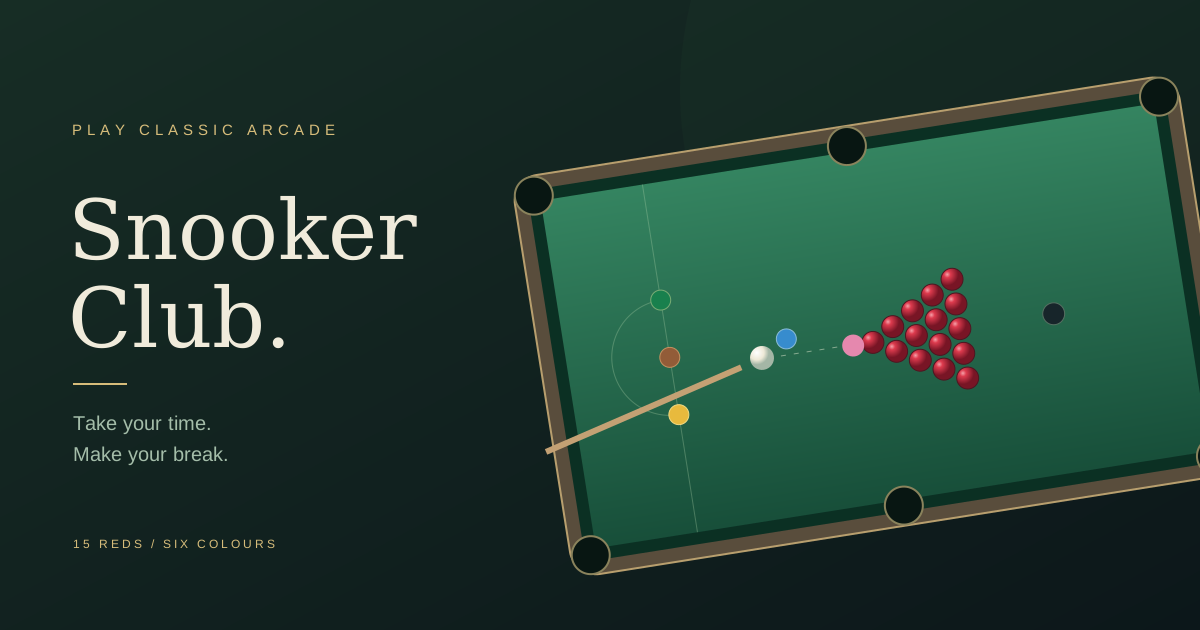
Snooker Club
Build your break on a full 15-red table. Play the computer, share a frame with a friend, or practise your cue control with shot undo.
TAKE YOUR SHOT
Invite a friend to a private room or take turns on the same device. Online play and local two-player play are different options: check the modes below before choosing a game. You can also practise against a computer opponent where offered.
Online rooms need an internet connection and an available multiplayer service. Share room links only with the people you want to invite; these games do not offer a public matchmaking queue.
Build your break on a full 15-red table. Play the computer, share a frame with a friend, or practise your cue control with shot undo.
TAKE YOUR SHOT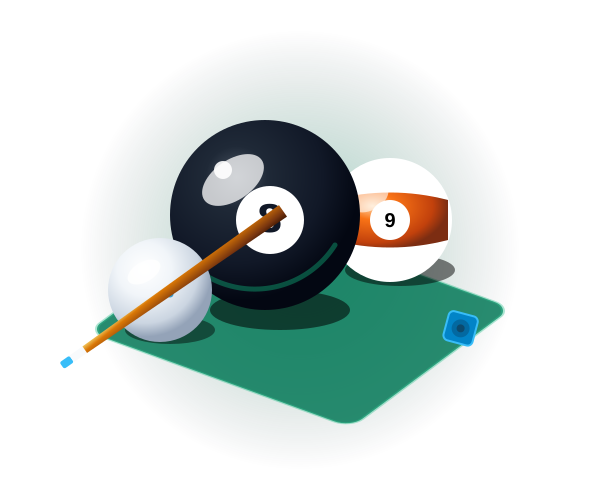
Authentic 2D rigid-body billiards with realistic cushion bounces, English cue ball spin, laser ghost ball aim lines, and online 2-player rooms.
LAUNCH GAME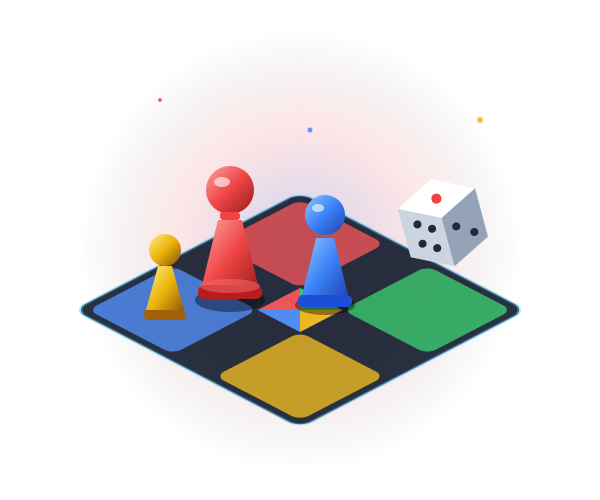
Real-time 2-4 player board race with 3D physics dice, private 4-digit room codes, turn timers, in-game chat, and emoji reactions.
LAUNCH GAME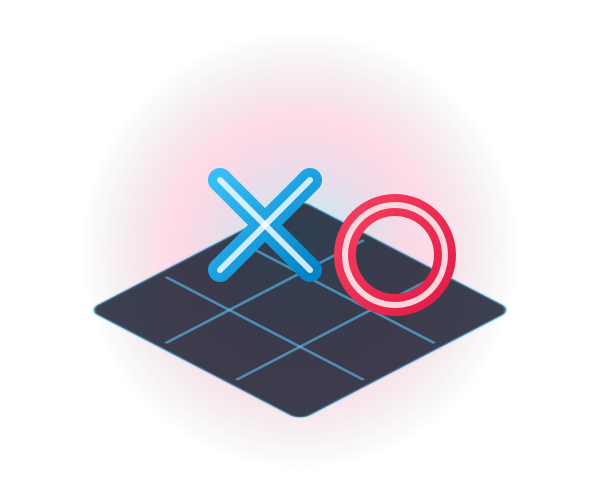
Quick-fire 3x3 logic battles. Challenge an unbeatable Minimax computer AI or invite a friend in local pass & play mode.
LAUNCH GAME
A classic battle of minds against an adaptive computer AI across Easy, Medium, and Hard tiers. CRT amber terminal and neon cyber board skins.
LAUNCH GAME| Game | Online room | Same device |
|---|---|---|
| Snooker Club | Available | Two players |
| 8-Ball Pool | Available | Two players |
| Ludo Star Classic | Available | Two players or more |
| Tic-Tac-Toe | Available | Two players |
| Retro Chess | Private room code | Two players |
If the service is unavailable, try a local game on one screen or practise against the computer. Report a connection problem with the game and browser you used.